


Published: September 02, 2025 at 12:39 pm
Updated on September 02, 2025 at 12:39 pm



Great news for spot traders: Bitget has been added as a supported spot crypto exchange inside the CryptoRobotics terminal. You can trade Bitget spot pairs through Smart Trading, connect crypto trading bots, use Signal Bots, and subscribe to Crypto Signals—all in one place. This update strengthens CryptoRobotics as one of the best exchange for spot trading crypto experiences inside a pro terminal.
In Smart Trading you get the full feature set for a spot exchange crypto workflow:
That’s the convenience of the best crypto exchange for spot trading paired with terminal-grade tools.
Spot bots
On each card, open the Exchanges tooltip—you’ll see Bitget among supported spot venues (alongside Binance, Binance.US, Bitfinex, Bybit UTA Spot, Demo Spot, Exmo, Gateio, HTX, Kraken, KuCoin, MEXC, OKX, XT). This applies to:
This blend of bots and Bitget connectivity is a strong candidate for anyone evaluating a top crypto trading bot setup on the best crypto exchange for spot trading.
A crypto signal bot on CryptoRobotics is an automated tool that listens to a chosen signal channel and executes the trade plan for you on a connected exchange. Each signal contains the pair, direction, entry zone, stop-loss, and take-profit targets; the crypto signal bot converts that plan into live orders with your capital and risk settings. This makes bot signal trading crypto fast and consistent while you keep full control over risk.
Crypto signals are structured, time-sensitive trade ideas that tell you what to buy or sell, where to enter, where to place a stop-loss, and which take-profit targets to aim for. Think of them as condensed market analysis—delivered as actionable parameters (pair, direction, entry zone, SL, TP levels, sometimes timeframe and risk notes).
On CryptoRobotics, signals are published inside dedicated channels and each channel shows transparent performance stats so you can review before subscribing.
Signals can be used to inform your trades on Bitget through the same interface—streamlining your online crypto signals → execution flow on a crypto spot exchange.
Bitget appears in the platform’s SPOT section alongside other venues. From the left sidebar, choose Bitget and launch the trading screen. In this view you’ll use CryptoRobotics as your crypto spot exchange terminal, placing and managing orders without switching tabs. If you’re comparing a spot exchange crypto workflow for speed and control, this setup keeps everything on one screen.
On the Bitget market screen, you’ll see:
These tools make Bitget feel like a best crypto spot exchange experience inside the CryptoRobotics terminal—your analysis and execution happen side by side.
In the order panel you can switch between Limit, Market, Stop-limit, and Smart. That means Bitget users can execute on the best crypto exchange for spot trading—with precision and with automation where needed.
What each option does:
If you want the speed of a crypto spot exchange with the safety of defined exits, Smart orders are a practical way to trade Bitget pairs.
CryptoRobotics layers risk tools on top of Bitget’s book so a spot exchange crypto session can be managed like a trading plan:
With these controls, Bitget becomes a compelling option for those seeking the best exchange for spot trading crypto from a risk-first perspective.
For scaling strategies on a crypto spot exchange, you can split one trade into steps:
This helps day-traders and swing-traders who want top crypto trading ergonomics without leaving a single terminal—exactly what you expect from the best crypto spot exchange workflow.
After a ladder is live, you can:
That level of control is why many call this the best crypto exchange for spot trading inside a third-party terminal.
| Item | Bitget Spot on CryptoRobotics | Notes |
| Exchange type | Spot crypto exchange | This article covers spot only |
| Smart Trading | ✅ | Market, Limit, Stop-Limit, Smart orders; TP/SL; Trailing; Breakeven; Ladders; full charting |
| Crypto trading bots | ✅ | Many spot bots list Bitget in Exchanges (e.g., Mono Optimus, Mono Cyberbot, Optimus, Cyberbot, PSH) |
| Signal Bots | ✅ | Partner cards (e.g., Trade Holder, AI Alpha) include Bitget in supported exchanges |
| Crypto Signals | ✅ | View performance, subscribe, and use insights for Bitget spot trading |
Bitget’s spot integration makes CryptoRobotics an even stronger home base for active traders. You can research with Signals, act with Smart Trading, and automate with bots—while executing every order on a single spot crypto exchange. If you’re looking for the best exchange for spot trading crypto inside a pro terminal, Bitget on CryptoRobotics delivers fast order entry, bracket risk controls, and laddered executions without tab-hopping. In short, it feels like a native crypto spot exchange experience—clean charts, powerful order types, and simple API connection—making it a top pick among spot exchange crypto options. For many users, this combination is the best crypto spot exchange workflow and a practical answer to “what’s the best crypto exchange for spot trading inside a multi-tool platform?”
Alina Garaeva: a crypto trader, blog author, and head of support at Cryptorobotics. Expert in trading and training.
Alina Tukaeva is a leading expert in the field of cryptocurrencies and FinTech, with extensive experience in business development and project management. Alina is created a training course for beginners in cryptocurrency.
Related Topics








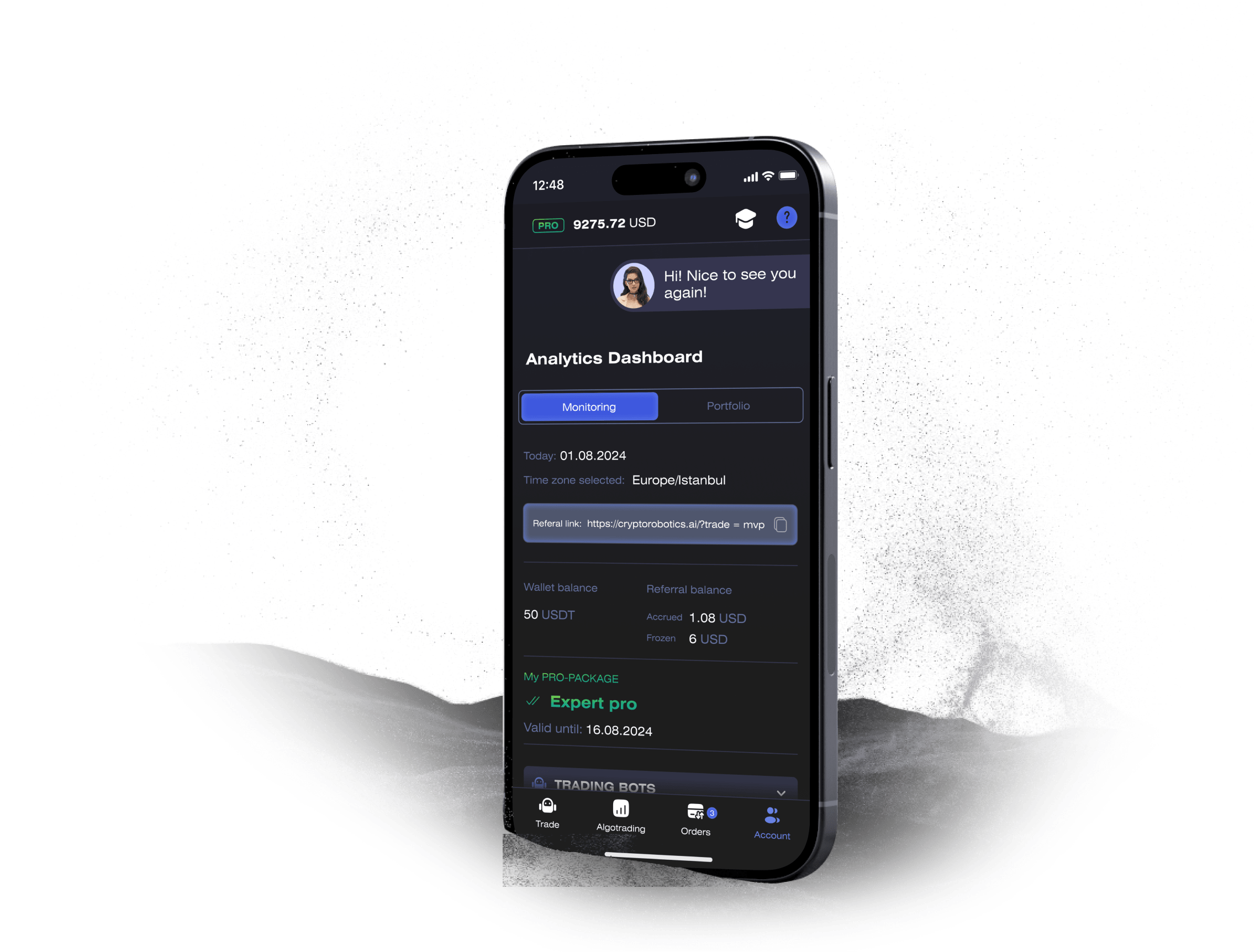
Access the full functionality of CryptoRobotics by downloading the trading app. This app allows you to manage and adjust your best directly from your smartphone or tablet.

News
See more



Blog
See more