lang
September 2, 2025

CryptoRobotics Crypto Signals: A Practical Review and How-To

Crypto signals by CryptoRobotics

If you’re looking for crypto signals that you can actually act on today, CryptoRobotics offers a clean, metrics-first catalog of channels with transparent stats, monthly pricing, and a simple sign-up flow. In this hands-on crypto signals review we walk through what’s visible on the interface, how to read the channel cards and statistics, how to subscribe, and where to find live signals crypto dashboards. Along the way we’ll highlight what helps you choose the best crypto signals for your style, so you can follow signals for crypto with confidence.

What Are CryptoRobotics Crypto Signals

On CryptoRobotics, a “signal” is a trade idea delivered through a channel inside the platform’s Signals section. Each channel card shows:

  • Avg mon profit (average monthly profit, %)
  • Total signals (lifetime count)
  • Active signals (currently running)
  • A compact equity-style chart of historical channel performance
  • A Subscribe button and a View statistics button
  • A small Exchanges badge indicating the channel is exchange-agnostic within the platform ecosystem

This layout makes it easy to scan crypto trading signals today, compare histories, and decide which signals crypto channel to follow.

How Crypto Trading Signals Work on the Platform

From the user journey visible on the screenshots:

  1. Navigate to Signals → All channels.
  2. Browse channels. Each card surfaces key metrics and a performance line chart (rising/flat/volatile), giving fast context for fast crypto signals decisions.
  3. Choose View statistics on any card to inspect the channel’s stats in more detail (button is on the right of each card).
  4. When you’re ready, click Subscribe to open the subscription modal, select the service type (Signals), pick the channel, choose a billing period, and press Go to the payment.

This flow keeps things straightforward for online crypto signals users who want clear numbers before subscribing.

How to Read Crypto Signals Cards and Statistics

Understanding card elements is your first step to reading crypto buy signals or crypto buy and sell signals performance:

  • Avg mon profit: A quick gauge of historical monthly results. Example values on cards include 19.46% (CRYPTO­ROBOTICS), 17.75% (CRYPTOLEKS SIGNALS), 21.23% (BITMIND SIGNALS), 97.25% (JUMPER STARS), 105.37% (KURESOFA), and 311.89% (CRYPTO CRESCENTE).
  • Total signals: How many signals a channel has issued (e.g., CRYPTO­ROBOTICS shows 2,137, CRYPTOLEKS SIGNALS 1,949).
  • Active signals: How many are currently live (e.g., 1 on CRYPTO­ROBOTICS at the moment captured).
  • Performance chart: A compact line chart on each card displaying historical trajectory—useful when deciding which streams could be your crypto best signals source.

Tip for “how to read crypto signals” on this UI: prioritize channels with a steady, rising chart that aligns with your risk tolerance and verify counts of Total signals and Active signals before subscribing.

Channel Lineup and At-a-Glance Metrics

Below is a snapshot of channels as displayed in All channels (values are taken from the screenshots you provided). This table is meant to help you compare options for best crypto signals at a glance.

ChannelAvg mon profitTotal signalsActive signalsPrice/month
CRYPTO­ROBOTICS19.46%2,1371$25
CRYPTOLEKS SIGNALS17.75%1,9496$25
BITMIND SIGNALS21.23%1,4580$25
AI ALPHA119.01%42,308200$69
E-TRADE5.82%8020$39
JUMPER STARS97.25%2,35718$25.9
FLASH SIGNALS2.03%3480$25
EASY TRADE2.4%651$20
KURESOFA105.37%21,7915$30
AI ALPHA TURBO8.61%25,84656$149
CRYPTOSEGNALI22.97%5002$29
CRYPTO CRESCENTE311.89%2,28418$15

These are the channels you can evaluate when searching for the best crypto signals or live signals crypto feeds that match your profile.

Signals Interface Walkthrough

The Signals page has three primary navigation points visible on top:

  • All channels – the full catalog (used for discovery).
  • My channels – your current subscriptions.
  • All tools – a utility filter to focus your search.

Every channel card consistently shows the metrics used by most traders when comparing signals for crypto providers. Your crypto signals review should always include:

  • The Avg mon profit trend on the mini chart
  • The Total signals to judge track record depth
  • The Active signals to know current activity
  • Monthly price to budget for online crypto signals

Subscription Plans (Periods & Prices)

When you hit Subscribe, a modal appears with two sections—PRO-PACKAGES and SERVICES. For signals, you’ll use SERVICES:

  1. Select type: choose Signals.
  2. Select channel: pick the channel (e.g., CRYPTO­ROBOTICS).
  3. Select period: the menu shows these options:
Billing periodPrice
1 month$25
3 months$59
6 months$109
1 year$179
  1. (Optional) Promo code field.
  2. Click Go to the payment to finalize.

This is straightforward for anyone comparing crypto trading signals today and wanting predictable pricing rather than PS-based billing. If you’re hunting the cheapest entry, the yearly plan gives the best per-month value among the periods shown.

How to View Channel Statistics (Example: CRYPTO­ROBOTICS)

Here’s a clear, repeatable flow you can follow when you evaluate buy signals crypto channels. We’ll use the CRYPTO­ROBOTICS channel as the example because it’s visible across your screenshots:

  1. Go to Signals → All channels.
  2. Find CRYPTO­ROBOTICS in the list.
  3. On the right, click View statistics.
  4. You’ll see the channel’s Avg mon profit (19.46% in the screenshot), Total signals (2,137), Active signals (1), and the performance chart.
  5. Use this page to complete your own crypto signals review before subscribing. If the stats fit your criteria for crypto best signals, click Subscribe.

This same pattern applies to every channel—making it easy to compare and pick your top crypto signals sources.

Step-by-Step: How to Start Using CryptoRobotics Signals

Follow these steps to turn signals for crypto into a working subscription:

  1. Open Signals: From the main navigation, select Signals and ensure you’re on All channels.
  2. Browse & Filter: Scan the cards. Look at Avg mon profit, Total signals, and the chart shape to shortlist channels for fast crypto signals or longer-term consistency.
  3. Open Statistics: For each shortlisted channel, click View statistics to confirm performance.
  4. Subscribe: Click Subscribe on your chosen channel.
  5. Choose Service: In the modal, under SERVICES, set Signals as the type.
  6. Pick Channel: Choose the channel name from the dropdown.
  7. Select Period: Choose 1 month, 3 months, 6 months, or 1 year.
  8. Apply Promo (Optional): Enter a code if you have one, then hit To apply.
  9. Pay: Press Go to the payment to finish. The channel will appear under My channels, ready to deliver live signals crypto on the platform.

Pros and Cons

Pros

  • Transparent metrics on every card (Avg mon profit, Total/Active signals) streamline your crypto signals review.
  • Consistent UI with View statistics and Subscribe buttons keeps the flow simple for online crypto signals onboarding.
  • Flexible billing periods (1–12 months) with visible pricing; no surprises.
  • Wide channel variety (from conservative to high-growth tracks) to match how you use crypto trading signals today.

Cons

  • Performance varies by channel and period; a high Avg mon profit today doesn’t guarantee future results—evaluate carefully before treating any feed as the best crypto signals.
  • Subscription cost is recurring; budget accordingly if you test multiple channels while searching for your top crypto signals fit.
  • Limited detail on card level—always click View statistics to avoid judging solely by the mini chart.

Practical Tips for Choosing the Best Crypto Signals

  • Check history depth: Prefer channels with substantial Total signals so your crypto signals review is based on more data.
  • Read the chart: Look for steadier growth lines instead of sharp one-off spikes when hunting crypto best signals.
  • Match time horizons: If you want fast crypto signals, pick channels with frequent Active signals; if you want calmer pacing, choose channels with fewer active trades.
  • Start small: Use a 1- or 3-month plan to evaluate a channel before committing to a longer period—even when a yearly plan is the cheapest per month.

Conclusion

CryptoRobotics makes crypto signals tangible: each channel card surfaces the numbers you need, the View statistics button opens deeper context, and the subscription modal keeps pricing and periods clear. If you’re comparing signals for crypto providers, this interface lets you build a short list, verify performance, and subscribe to the online crypto signals you prefer—all in one place. Use the steps and tables above to evaluate crypto trading signals today, then subscribe to the channels that best fit your goals for crypto buy and sell signals, and ongoing portfolio decisions.

Previous Post Next Post
Alina Garaeva
About Author

Alina Garaeva: a crypto trader, blog author, and head of support at Cryptorobotics. Expert in trading and training.

Alina Tukaeva
About Proofreader

Alina Tukaeva is a leading expert in the field of cryptocurrencies and FinTech, with extensive experience in business development and project management. Alina is created a training course for beginners in cryptocurrency.

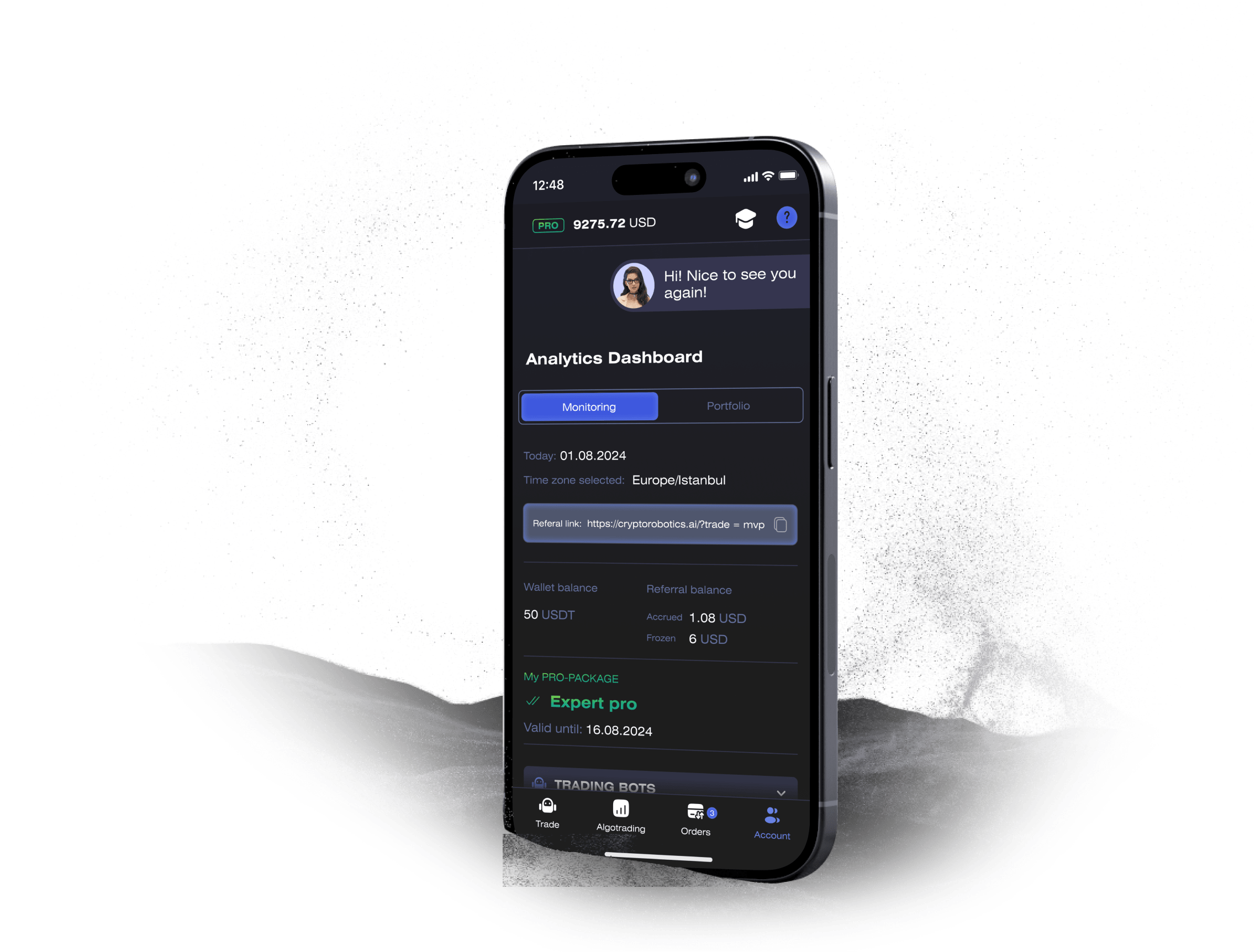
Launch Your Crypto Trading Journey with the CryptoRobotics App

Access the full functionality of CryptoRobotics by downloading the trading app. This app allows you to manage and adjust your best directly from your smartphone or tablet.

phone

Need Assistance on the Platform?

Schedule a personal onboarding session with our manager. He will assist you in setting up the bots, understanding the products, and answer all your questions.